
Business travel
Stayantra for Business lets a company pay for its people's hotel stays at any participating Stayantra hotel. Employees book as usual and choose Bill to my company; the company receives one statement instead of many receipts.
Where: For business in the marketplace's top menu. Who: a company admin registers the company; employees join it from their own profile.
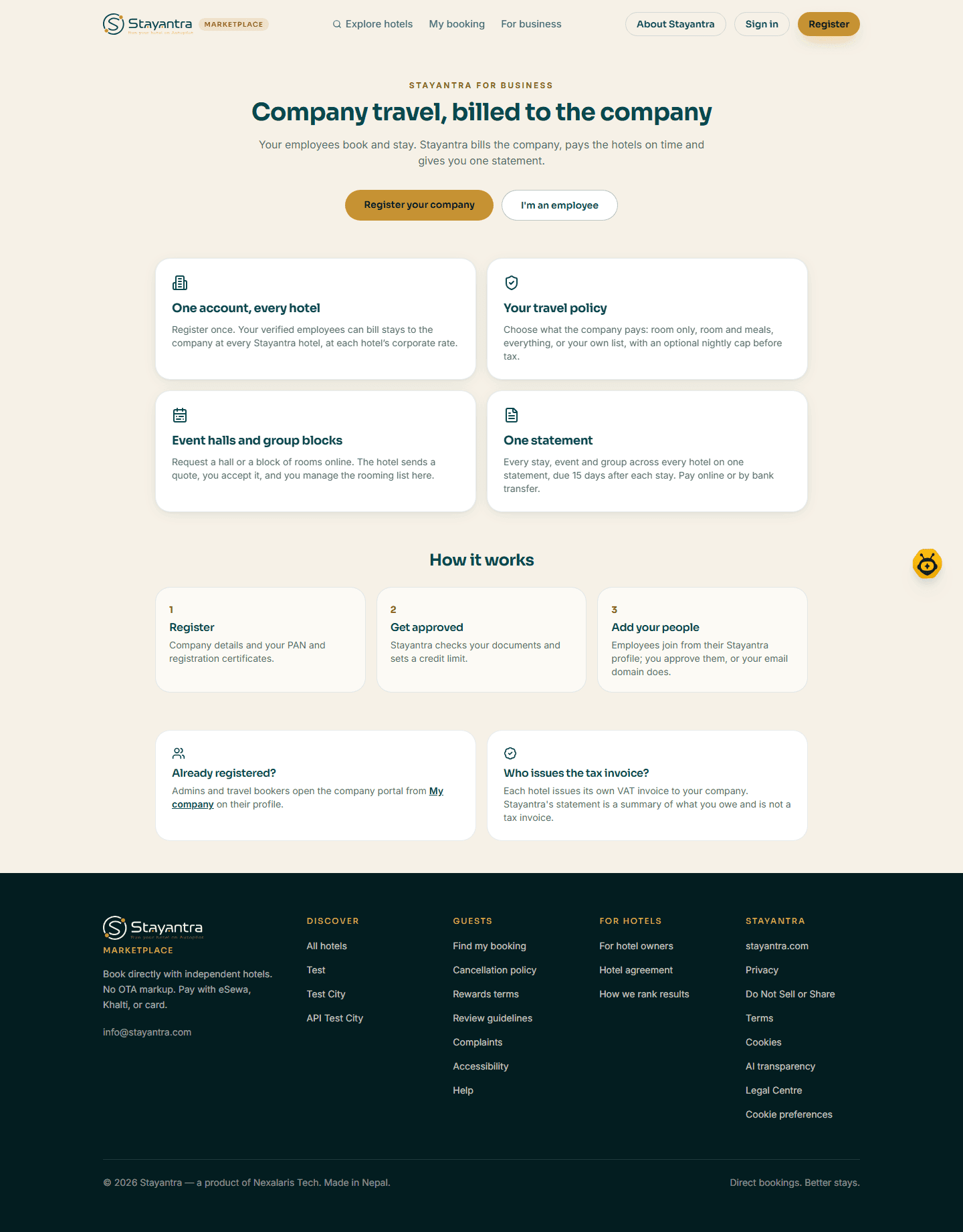
What a company gets
- One account, every hotel — book at any Stayantra hotel that takes company bookings.
- Your travel policy — choose what the company pays for: room only, room and meals, everything, or a custom list, with an optional nightly cap before tax.
- Event halls and group blocks — the same account works for meetings and group stays.
- One statement — due 15 days after each stay, paid online or by bank transfer.
- Corporate rates — hotels can give your company a percentage off or a fixed nightly rate. A corporate rate is never combined with a promotion, voucher or points.
Each hotel issues its own VAT invoice for the stay. Stayantra's company statement is not a tax invoice.
Register your company
Sign in
Click Register your company. You need to be signed in; the person who registers becomes the company's first admin.
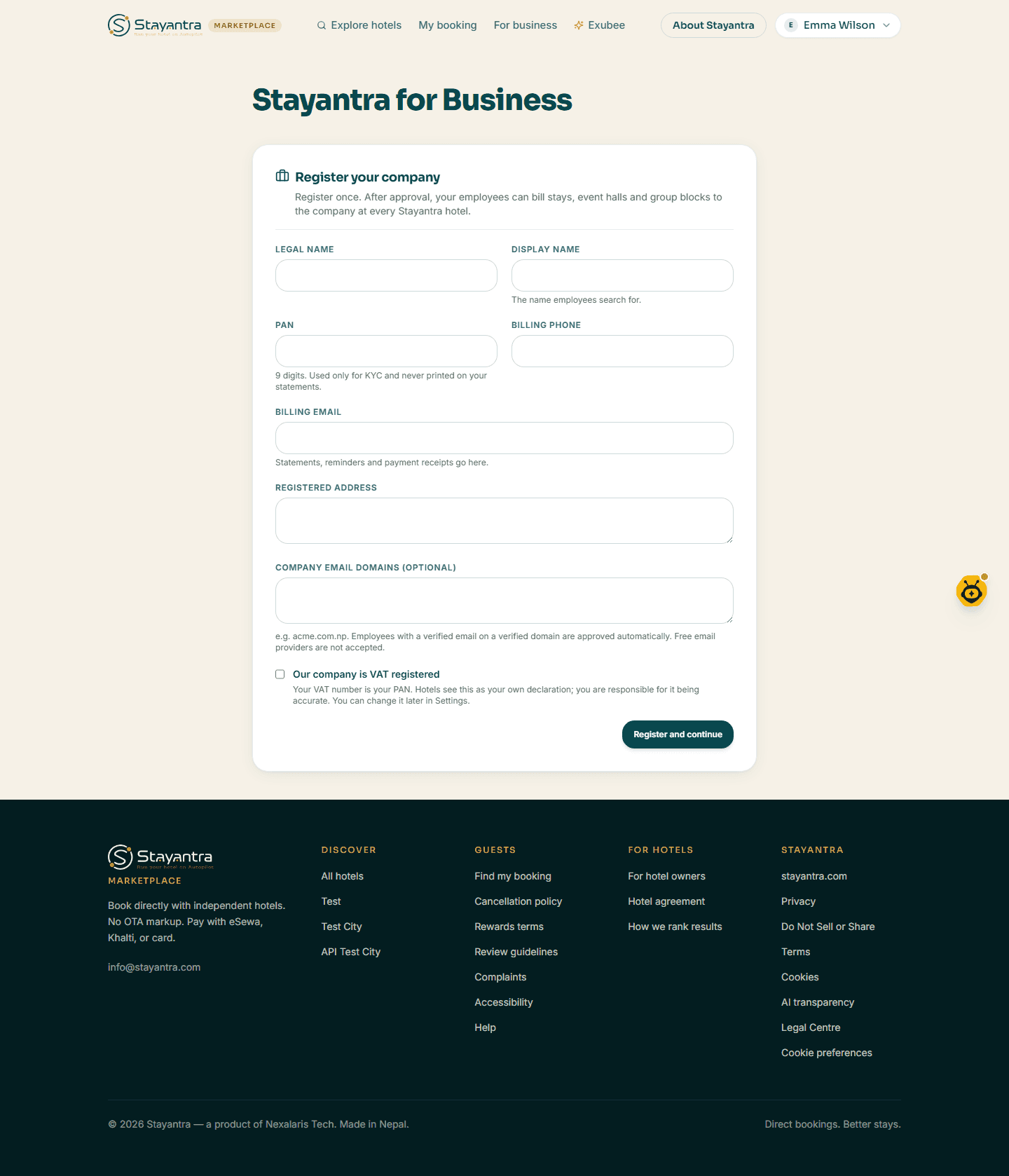
Company details
Fill in Legal name, Display name, PAN (exactly 9 digits), Billing phone, Billing email and Registered address. Optionally add your Company email domains (for example samplecorp.com); free email providers such as Gmail are not accepted. Tick Our company is VAT registered if it applies. Click Register and continue.
Upload your documents
Under Upload your KYC documents, upload the PAN certificate and the company registration certificate (PDF, JPG or PNG, up to 10 MB each).
Wait for approval
You see Your company is under review. Stayantra checks the documents and sets a credit limit. You are told when the company is approved.
Join your company as an employee
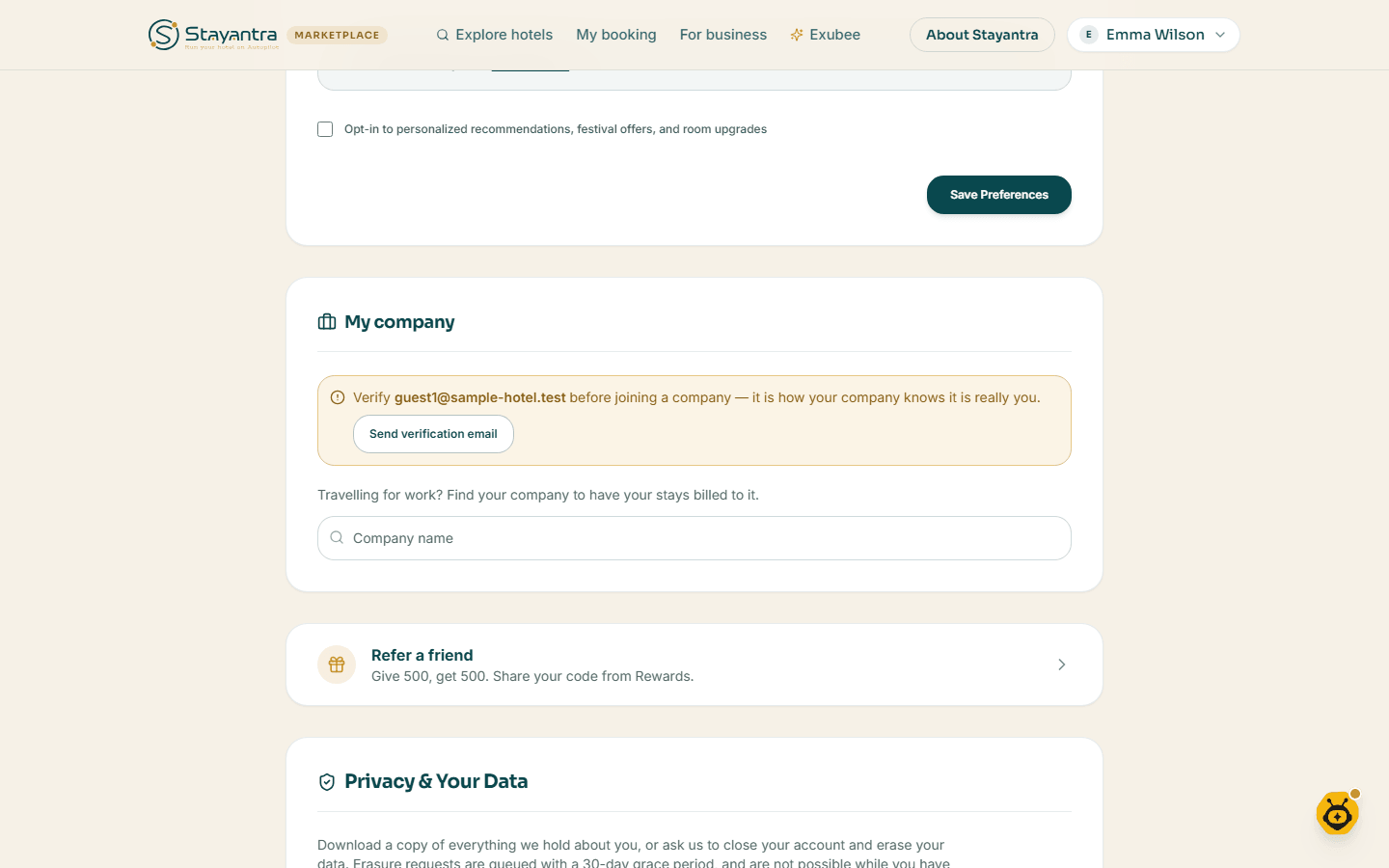
Employees join from their own marketplace profile, under My company (or I'm an employee on the business page).
- Verify your email. If your email is not verified yet, click Send verification email and follow the link.
- Find your company: under "Travelling for work? Find your company to have your stays billed to it.", type its name in Company name, then click Request to join.
- Approval. If your verified email is on one of the company's registered domains, you join at once and see You're verified. Otherwise the company's admins get an email with a link to approve or reject you. The link works once and expires.
To leave, click Leave company, then confirm.
Book on company terms
- Book as usual (see Book online), signed in with the account that belongs to the company.
- At the Pay step, choose Bill to my company: the company pays under its travel policy, at its corporate rate. Anything the policy does not cover — for example minibar or laundry if the policy is room only — you pay at checkout.
- Click Confirm — bill to my company.
Company admins and bookers can also book for another employee.
When a hotel asks to bill your company
Sometimes you arrive without booking through the company, and ask the front desk to bill the company. The hotel then sends you an email asking you to confirm. Its link opens a page where you choose Yes, bill the company or No, don't.
[!WARNING] If you did not ask the hotel for this, choose No. Requests expire after a short time, and each link works once.
The same requests appear on your profile under Hotel billing requests, and in the Go app.
If something goes wrong
| Problem | What to do |
|---|---|
| Bill to my company does not appear | You are not signed in, your membership is not verified yet, or the company is not approved yet. |
| Your join request is waiting | Ask a company admin to approve it from their email. |
| The PAN is refused | A PAN must be exactly 9 digits. |
| A company email domain is refused | Free email providers cannot be company domains. Leave the field empty if your company has no domain of its own. |