
Guest guide
This guide is for guests of hotels that use Stayantra: people booking a room, a table or an event, paying their share of a group stay, collecting Stayantra Rewards points, or travelling for a company. Hotel staff can send guests here too.
You can use Stayantra in two ways:
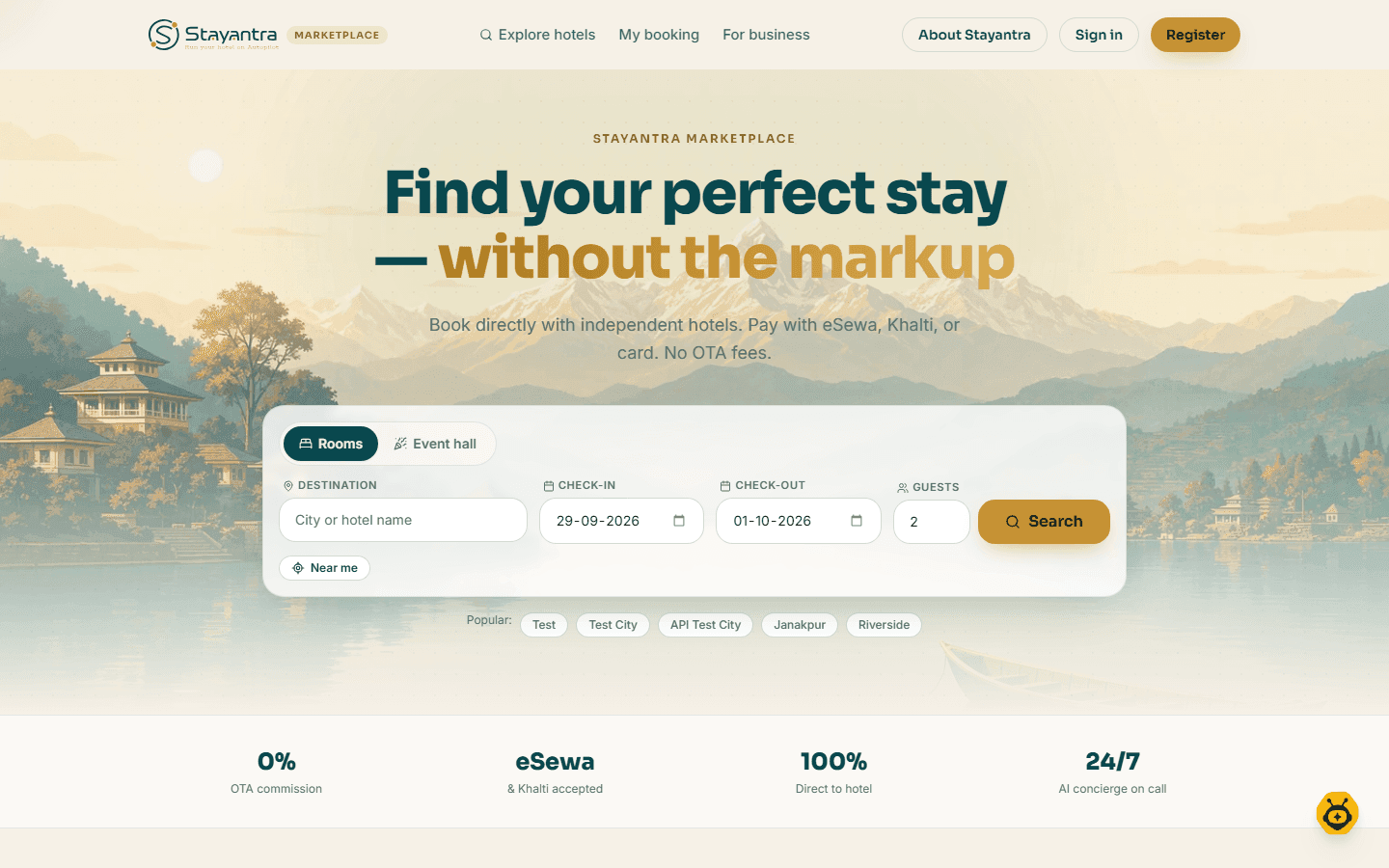
- On the web at the Stayantra marketplace,
marketplace.stayantra.com. It works in any modern browser, on a phone or a computer, with nothing to install. - In the Stayantra Go app for Android. It is in Google Play closed testing today; the iPhone app is not released yet.
What you can do
| You want to… | On the web | In the Go app | Guide |
|---|---|---|---|
| Find a hotel and book a room | Yes | Yes | Book online |
| Ask a hotel for a group stay | Yes | Yes | Book online |
| Reserve a table at a hotel restaurant | Yes | Yes | Book online |
| Ask for an event hall quote | Yes | Yes | Book online |
| Find, change or cancel a booking | Yes | Yes | Book online |
| Check in online, order food, ask for service, chat with the desk during your stay | Bill, payment and desk chat | Yes | Your stay |
| Earn and spend Stayantra Rewards points, refer a friend | Yes | Yes (Wallet) | Rewards and referrals |
| Pay your share of a group booking | Yes | Yes | Split a bill |
| Book on your company's account | Yes | Yes | Business travel |
| Download your data or close your account | Yes | — | Privacy and your data |
| Use the app | — | Yes | The Go app |
Your Stayantra account
You can book without an account: you give your name and email, and the booking reference is emailed to you. An account lets you see all your bookings in one place, earn and spend Rewards points, use vouchers and book on company terms.
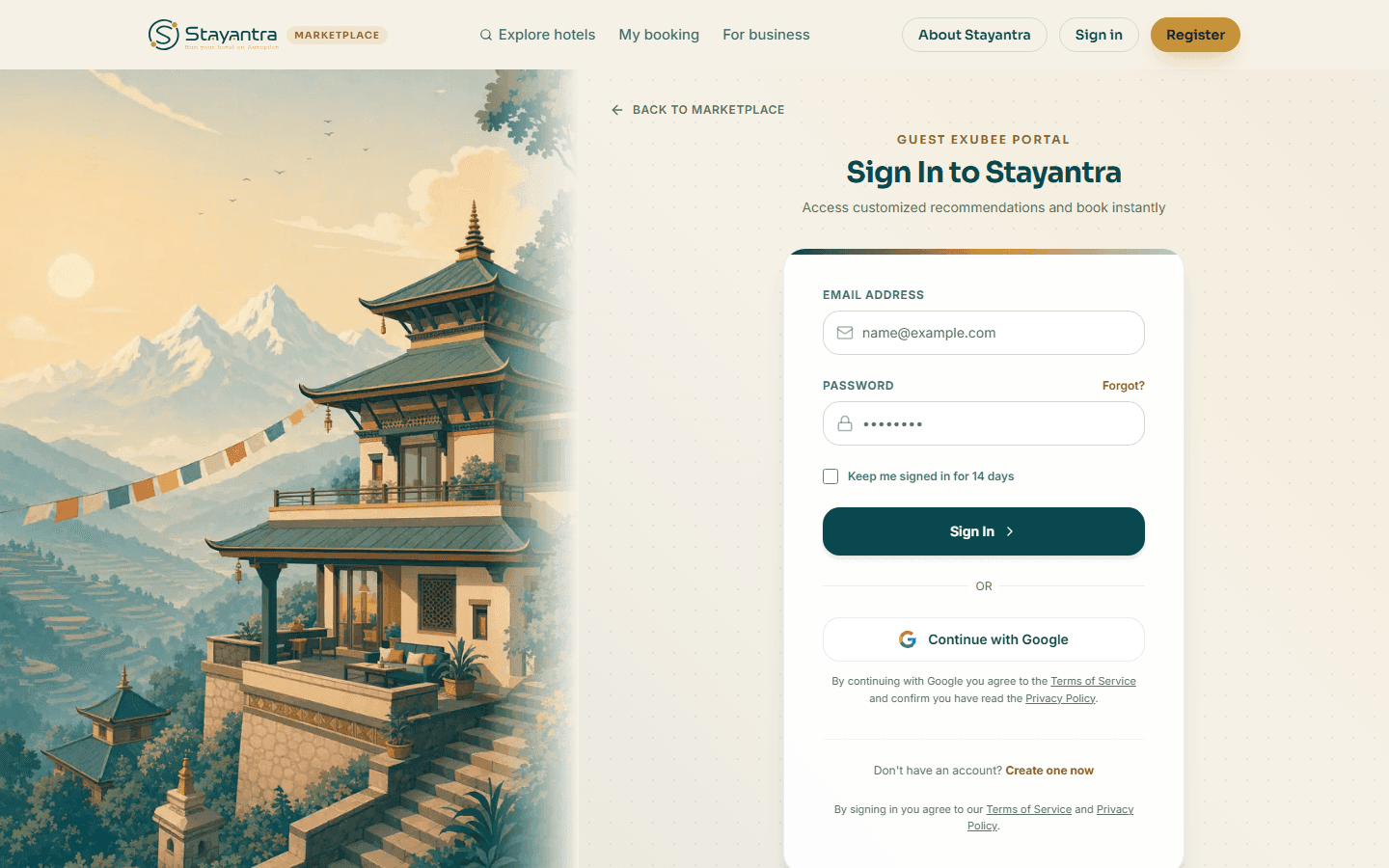
- Create one: click Sign In, then Create one now, or go straight to the sign-up page. Fill in Full Name, Email Address and Password (min. 8 characters), tick the box to confirm you are 18 or older and agree to the Terms of Service, and create the account — or click Continue with Google.
- Sign in: on Sign In to Stayantra, enter Email Address and Password, or click Continue with Google. Tick Keep me signed in for 14 days on your own device.
- Forgot your password: click Forgot?, enter your email, and click Send reset link. The email lets you Set new password.
If a hotel already created a guest profile for you when you stayed, see Claim the profile a hotel made for you.
Exubee, the guest concierge
On the marketplace, Exubee (in the top menu) is an AI concierge. Ask it to find a hotel, check availability or help with a booking. You can also ask your own AI assistant, such as ChatGPT or Claude, to book a Stayantra hotel for you; it always shows you the price and terms first and books only when you agree.
Getting help
For a question about your stay, contact the hotel: its phone number and email are on its page and in your booking email. For help with the Stayantra website or app, email info@stayantra.com.
My work: attendance, leave and pay
Clock in with your location and a selfie, ask for leave, read your payslips and roster, and use notifications, the SOP checklist, Exubee and your settings in Connect.
Book online
Find a hotel on the Stayantra marketplace, book a room step by step, and manage, change or cancel your booking.